
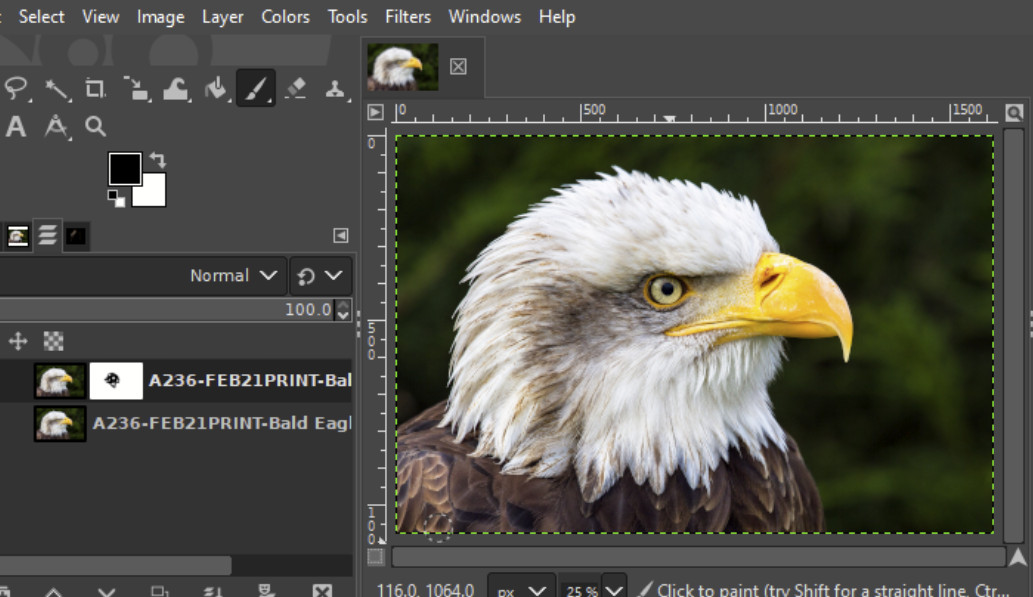
The GIMP team has just released the first "Release Candidate" (RC1) for GIMP 3.0, a major update to this free and powerful image editor. This version is a big deal because it brings exciting new features and improvements. Here’s a quick and simple breakdown:
A Release Candidate is like a test version that could become the final product if there aren’t major bugs. The GIMP team is asking users to try it out, report any issues, and help make the official 3.0 release as polished as possible.
What’s New in GIMP 3.0 RC1?
1. Fresh New Look
- A new logo and splash screen give GIMP a modern feel.
- Icon themes have been updated to look better on high-resolution (HiDPI) screens.
2. Better Color Management
- Improved handling of color spaces ensures more accurate colors.
- Old project files from GIMP 2.10 and earlier will still look the same when opened in 3.0.
3. Non-Destructive Editing
- You can apply filters without permanently changing your image.
- A new "Merge Filters" option lets you go back to the old destructive editing style if you prefer.
4. User Interface Updates
- Multi-select features make organizing layers and objects easier.
- You can now use the mouse wheel to switch between tabs in dockable panels.
5. Upgraded Plug-ins
- Plug-ins for BMP and TIFF formats now support newer features like 64-bit BMP files and special TIFF layers.
6. Faster and Smoother
- The updated GEGL and babl libraries power advanced filters and improve performance.
- OpenCL support has been improved, which could mean faster processing on supported hardware in the future.
System Requirements

To run GIMP 3.0 RC1, you’ll need:
- Windows: Windows 10 or newer.
- macOS: Big Sur or newer (supports both Intel and Apple Silicon).
- Linux: Available as a Flatpak.
How to Get It
You can download GIMP 3.0 RC1 directly from the official GIMP website.
and
You can download GIMP 3.0 RC1 directly from the official GIMP website.
What’s Next?
This is a test version, so there may be bugs. The GIMP team encourages everyone to report any issues they find. The goal is to make the final GIMP 3.0 release as stable and user-friendly as possible.
If you love GIMP and want to support its development, consider donating to help the team continue their amazing work!